
FDA Database Navigator
What is your primary goal?
Select the option that best describes what you are trying to find.
Regulatory History
I want approval dates, review memos, or full labels for a specific drug.
Generic Equivalence
I need to check if a generic is substitutable or look up patents.
Biologics & Biosimilars
I am researching biological products or biosimilarity.
Specific Side Effects/Warnings
I want to search for phrases like 'boxed warning' across many drugs.
Recommended Resource
Choose Your Search Method
How do you identify the drug you are looking for?
Pro Tip:
Your Action Plan
Ever wonder if that new medication your doctor prescribed has actually been cleared by the U.S. government? Or maybe you are a researcher trying to dig up the original review documents for a drug approved decades ago. The answer lies in a specific, powerful tool maintained by the U.S. Food and Drug Administration (FDA) called Drugs@FDA, which is an official online database providing comprehensive information about FDA-approved drug products for human use. It is free, it requires no login, and it holds the keys to nearly every regulatory secret about drugs approved since 1939.
Navigating this database can feel a bit like walking into a massive library without a map. There are different ways to search, different types of documents hidden behind tabs, and some tricky limitations you need to know about before you start pulling data. This guide will walk you through exactly how to find what you need, whether you are looking for a simple approval date or deep-dive clinical review reports.
What Is Drugs@FDA and Why Does It Matter?
Drugs@FDA is the primary public-facing repository for regulatory information on human drugs. Think of it as the central hub for transparency. Before this digital initiative, getting access to internal FDA reviews often required filing formal Freedom of Information Act (FOIA) requests, which could take months. Now, that information is available instantly.
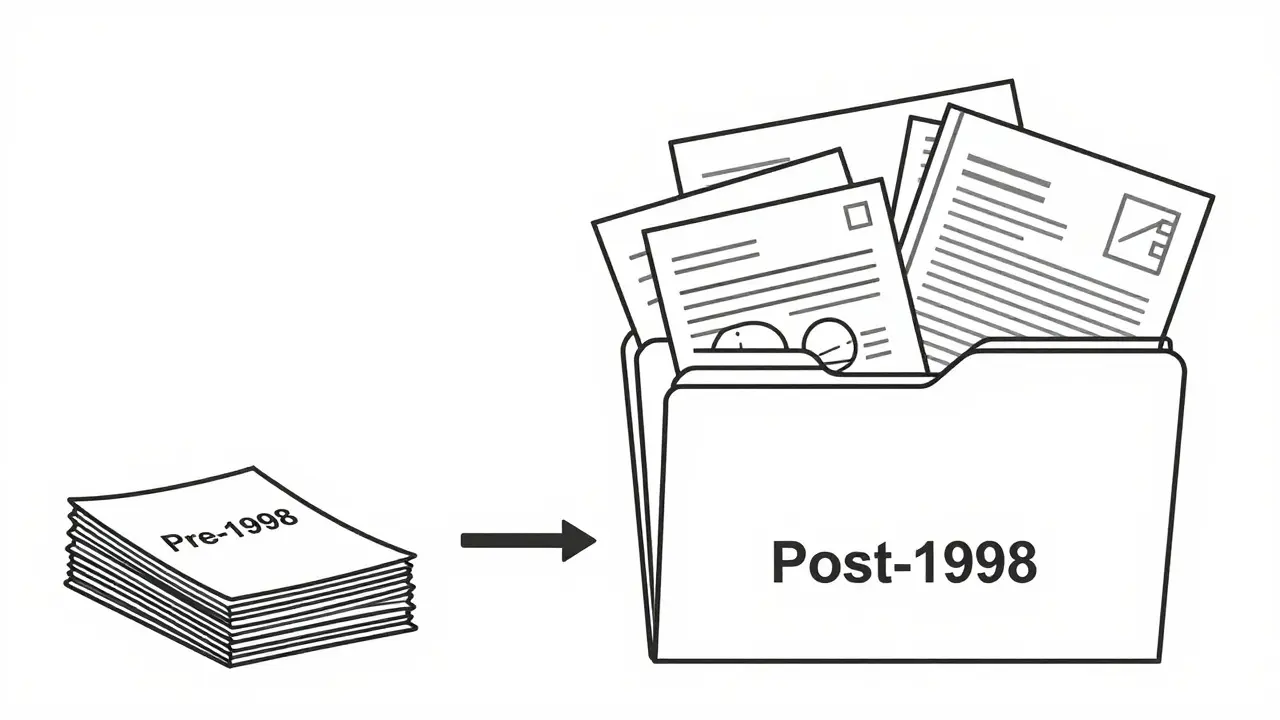
The database covers approximately 20,000 approved human drug products. However, not all records look the same. The depth of information depends heavily on when the drug was approved. For products approved after 1998, the database provides a rich trove of documents: full prescribing information, patient medication guides, approval action packages, and even the actual review memos written by FDA medical officers. For older drugs-those approved between 1939 and 1997-the record might only contain basic product details and the current label. Understanding this timeline is crucial because it dictates what you can actually find.
Getting Started: The Three Ways to Search
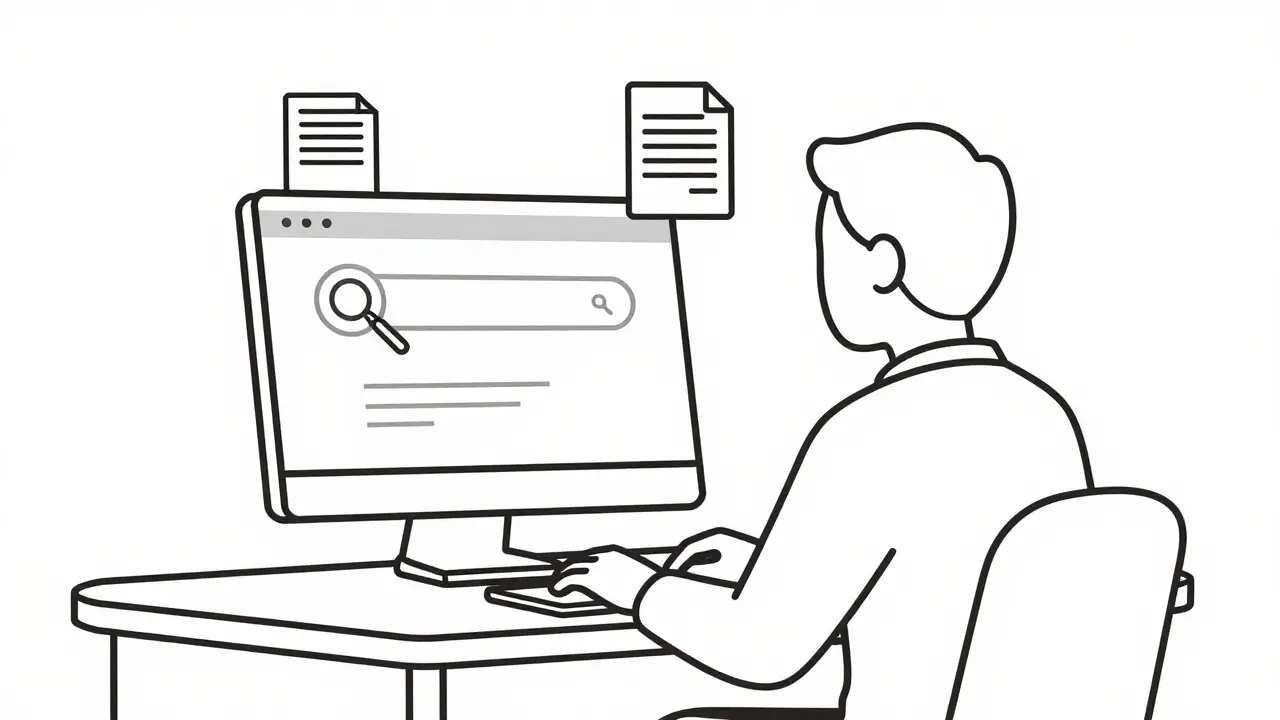
You do not need special software or an account to use Drugs@FDA. You just need a web browser and one of three pieces of information. The homepage offers a straightforward search box, but knowing which identifier to use makes all the difference.
- Drug Name: You can search by the proprietary name (brand name), such as Lipitor, or the established name (generic name), such as atorvastatin. This is the most common method for general users.
- Active Ingredient: If you want to see every drug that contains a specific chemical compound, searching by active ingredient is your best bet. This helps you find combination drugs or generic alternatives.
- Application Number: This is for the pros. Every drug submission gets a unique number. New Drug Applications (NDAs) usually start with '0', Abbreviated New Drug Applications (ANDAs) for generics start with '20' or '21', and Biologics License Applications (BLAs) have their own format. Searching by these numbers yields the most precise results.
Type your query into the main search bar on the homepage. The system returns a list of matching products. Click on the specific product link to open its detailed profile page. From there, you can explore tabs for Product Information, Labeling, Approval History, and more.
Understanding the Results Page
Once you click on a specific drug, you land on its dedicated page. This is where the real work begins. The interface is divided into several key sections, each serving a distinct purpose.
The Product Information section gives you the basics: the brand name, manufacturer, dosage form, strength, and route of administration. It also lists the application type (NDA, ANDA, or BLA). This is vital for distinguishing between a brand-name drug and its generic counterparts.
The Labeling tab is often the most requested resource. Here you will find the full Prescribing Information (PI), which includes indications, dosing, warnings, and adverse reactions. For post-1998 approvals, you can often download the Structured Product Labeling (SPL) file, which is the machine-readable version of the label used across healthcare systems.
If you are interested in the regulatory journey, check the Approval History. This timeline shows when the drug was initially approved, when major changes were made to the label, and when renewals occurred. For newer drugs, clicking on these dates often reveals links to the Review Documents-the internal FDA assessments that evaluated the safety and efficacy data submitted by the manufacturer.
Avoiding Common Search Pitfalls
Even experienced researchers trip over certain quirks in the Drugs@FDA interface. One major issue involves the A-Z Index versus the Main Search Box.
The FDA’s own training materials warn that the A-Z 'Drug Name' search is limited. If you browse alphabetically for 'Lisinopril,' you might only see the generic entry. You may miss brand names like Prinivil or Zestril, or combination products like Zestoretic (which combines lisinopril with hydrochlorothiazide). To get a complete picture, always use the main search box on the homepage rather than relying solely on the alphabetical index. The main search engine is smarter at linking ingredients to brand names and combinations.
Another pitfall is assuming all drugs have the same level of documentation. As mentioned earlier, pre-1998 drugs often lack the deep review documents found in modern records. If you are researching a legacy drug, do not be alarmed if the 'Review Documents' tab is empty or sparse. In those cases, you might need to supplement your research with other resources or historical archives.
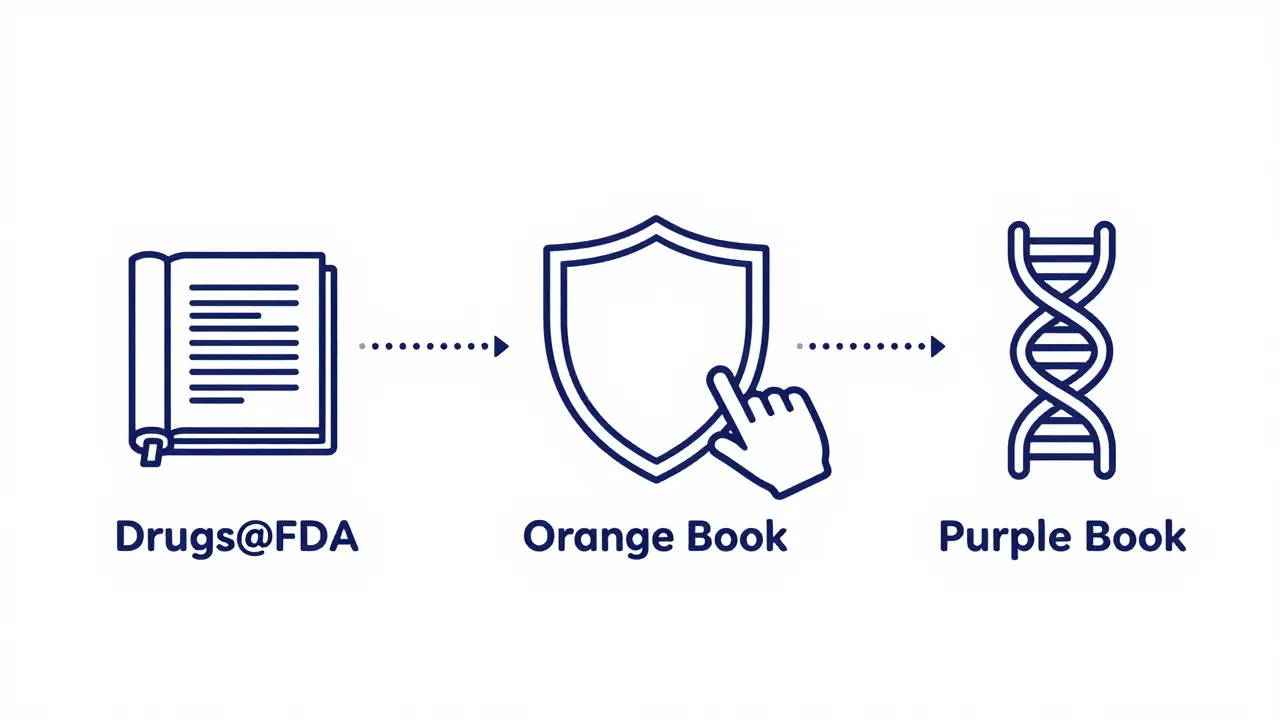
Drugs@FDA vs. Other FDA Resources
Drugs@FDA is powerful, but it is not the only game in town. The FDA maintains several specialized databases, and knowing when to switch tools can save you hours of frustration.
| Database | Primary Focus | Best Used For |
|---|---|---|
| Drugs@FDA | Regulatory history and approval documents | Checking approval status, viewing review memos, accessing full labels |
| FDALabel | Full-text search of labeling content | Finding specific phrases within labels (e.g., "boxed warning" or "pregnancy category") |
| Orange Book | Generic drug equivalence and patents | Determining if a generic is therapeutically equivalent to a brand name |
| Purple Book | Biological products | Searching for biosimilars and interchangeable biologics |
For example, if you need to find every drug label that mentions a specific side effect, FDALabel is superior because it allows full-text searching across over 150,000 documents. If you are trying to figure out if a generic pill is legally substitutable for a brand-name one, the Orange Book is the definitive source for therapeutic equivalence ratings and patent exclusivity periods. Drugs@FDA remains the best starting point for understanding the overall regulatory lifecycle of a single product.
Pro Tips for Efficient Research
To make the most of your time in Drugs@FDA, keep these strategies in mind:
- Cross-Reference Application Numbers: When you find a drug, note its NDA or ANDA number. Use this number to search in the Orange Book or FDALabel for deeper insights.
- Check the Date of Approval: Always verify the initial approval date. This tells you immediately how much documentation you can expect. Post-1998 means rich data; pre-1998 means basic info.
- Use the 'Search Within Results' Feature: If you are looking for multiple drugs with similar ingredients, use the advanced filters to narrow down by dosage form or manufacturer.
- Save Important PDFs: Regulatory documents can change or become harder to locate as interfaces update. If you find a critical review memo or label, download and archive it locally.
Remember, the database is updated daily. New approvals appear almost immediately, ensuring you have access to the latest regulatory decisions. Whether you are a pharmacist verifying a prescription, a journalist fact-checking a story, or a patient wanting to understand your medication, Drugs@FDA puts the official record directly in your hands.
Is Drugs@FDA free to use?
Yes, Drugs@FDA is completely free and publicly accessible. There are no registration requirements, subscription fees, or paywalls. Anyone with an internet connection can search the database and download documents.
Does Drugs@FDA include information on animal drugs?
No, Drugs@FDA focuses exclusively on human drugs. For veterinary medicines, the FDA maintains a separate database called Animal Drugs@FDA. Be sure to visit the correct site depending on your research needs.
Why can't I find review documents for older drugs?
The FDA began digitizing and releasing extensive review documents for drugs approved after 1998. Products approved before this date may only have basic product information and labels available. The agency prioritized recent approvals for comprehensive digital transparency.
What is the difference between an NDA and an ANDA?
An NDA (New Drug Application) is filed for a new, innovative drug that has never been approved before. An ANDA (Abbreviated New Drug Application) is filed for generic versions of existing drugs, demonstrating that they are bioequivalent to the brand-name reference product.
Can I search for biological products in Drugs@FDA?
Yes, Drugs@FDA includes biologics licensed under a Biologics License Application (BLA). However, for detailed information on biosimilarity and interchangeability, the Purple Book is the specialized resource designed specifically for biological products.
How often is the Drugs@FDA database updated?
The database is updated daily. This ensures that new drug approvals, label changes, and safety communications are reflected in the system almost immediately after the FDA publishes them.